

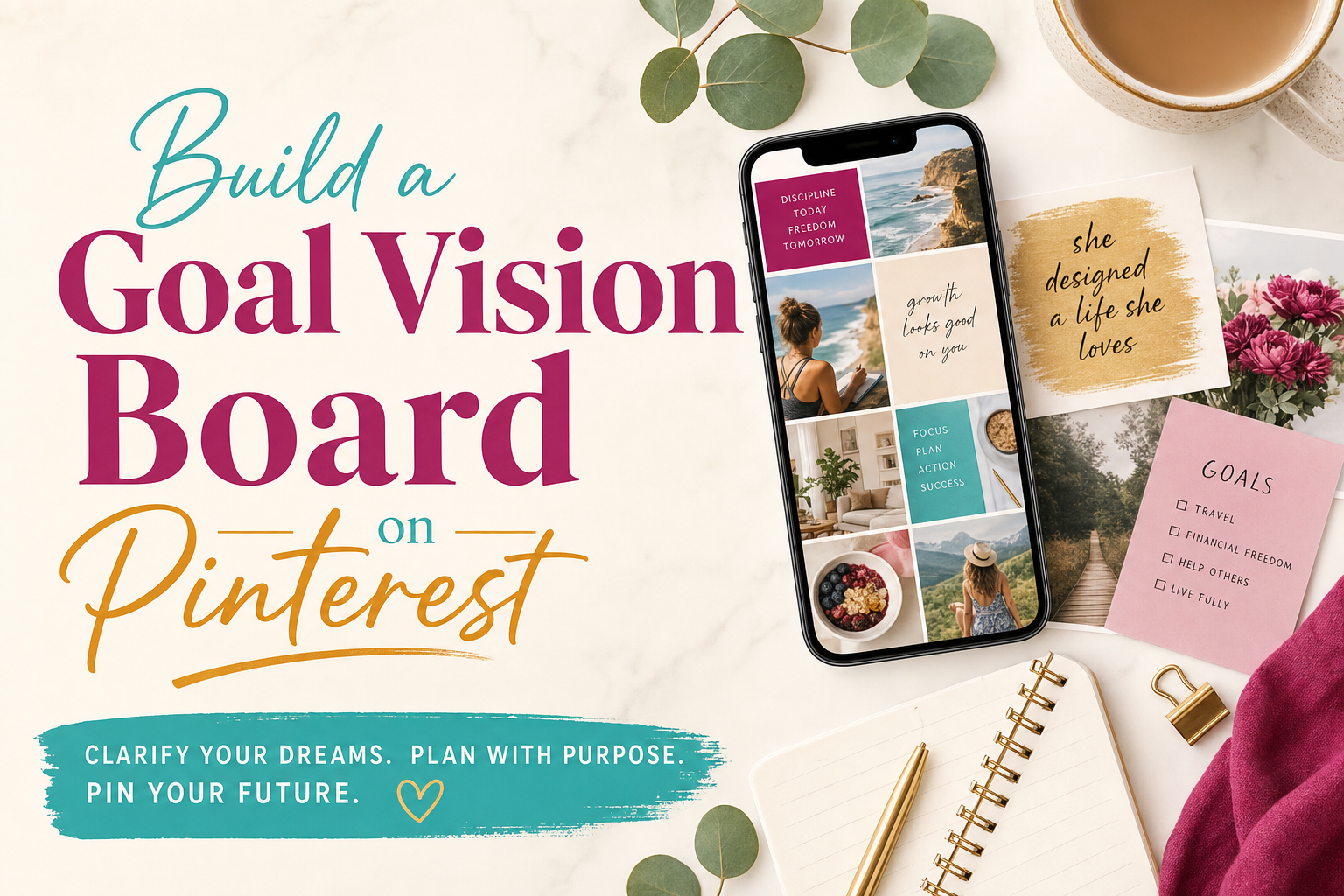
How to Use Pinterest to Build Your Own Goal Vision Board
I have 14 Pinterest boards. Three are public for the shop. The rest are secret—and one of them is only for how I want my life to feel this year, not what I want to buy.
I used to cut magazines for vision boards. I still love paper, but Pinterest wins for one reason: I can add a pin in 10 seconds when I am waiting in the school pickup line, and I can delete what does not fit without a glue stick and regret.
If you want a vision board that actually connects to your goals—not just pretty rooms you will never have—here is how I set mine up.
First: get your goals on paper so the board has a job. Grab the free goal-setting worksheets here and fill in even a rough draft before you start saving pins.
Step 1: Pick 3–5 life areas (not 20)
Use categories that match your real life, not a generic “dream life” blob. I use:
- Self-care & rest
- Relationships & family
- Work & creative projects (One Love Paper Co., the shop, writing)
- Home & simplicity
- Personal growth
You can mirror whatever sections you use on your worksheets. Five areas is enough. More than that and the board turns into mood soup.
Step 2: Create one secret board (or one board with sections)
On Pinterest: Create board → Secret so strangers and sometimes friends are not commenting on your half-finished life plan.
Name it something you will recognize in six months. Mine is literally “2026 – heart-centered goals (private).”
If you prefer one board with sections, add section names that match your categories so you can scroll one area at a time.
Step 3: Search with specific terms—not just “dream life”
Vague searches give you luxury living rooms and unattainable abs. Specific searches give you usable vibes.
Try:
- “calm morning routine aesthetic”
- “small business owner desk setup”
- “cozy family dinner table”
- “simple capsule wardrobe neutral”
- “journal spread ideas minimal”
- “weekend hike pacific northwest” (swap your region)
- “creative workspace small room”
Add your actual interests: pottery, camping, ballet kids, bakery counter, whatever is true for you.
Save pins that match a goal you might write on your worksheet, not just pins that match a fantasy identity.
Step 4: Save slowly—and delete without mercy
When I first built a goal board I saved 80 pins in one night. A month later I could not tell you why half of them were there.
Now I save 3–5 pins per category, then stop. If a pin does not connect to something I could name in one sentence (“I want Sunday mornings to look like this”), I unsave it.
Your board should feel like a short conversation, not a hoard.
Step 5: Once a month, pick 1–2 pins and write one real goal
Open the board on your phone or laptop. Choose one pin in “Home” and one in “Work” (or whatever fits).
Ask: What would I do this month if this picture were the direction, not the destination?
Examples:
- Pin of a tidy entryway → goal: install hooks and a mail bin by Friday.
- Pin of a woman writing at a café → goal: two hours of deep work at the coffee shop on Tuesday.
- Pin of a family on a trail → goal: one hike before the weather turns.
Write those on your worksheets or on a Big Ideas Notepad if you like keeping loose ideas in one place—then close Pinterest and do the small thing.
Step 6: Keep the board and the planner in the same conversation
Pictures inspire. Paper plans. I do not treat Pinterest as a substitute for goal setting; I treat it as the mood board that feeds the worksheet.
When a pin keeps pulling at you for three weeks, it probably belongs on your goal list. When you stop opening a section, those pins can go.
That is the whole system: secret board, specific searches, fewer pins, one monthly translation into something you can do next week.
Pin this post if you want to build your board on a quiet evening—and if you are the person who saves 200 pins and never opens them again, no judgment. Start with one category and five pins.
When you are ready to turn a few images into goals you will track, download the free goal-setting worksheets. Then open Pinterest and save one pin that matches something you already wrote on paper.
0 Comments
Would you like to share your thoughts?
Your email address will not be published. Required fields are marked *